

Imagine searching for a place where your books feel right at home and where your reading experience gets easier and more fun. New tools and platforms are giving readers more options and offering features that go beyond simple cataloguing. Whether you want to organize your collection or connect with other book lovers, fresh alternatives are appearing every year. Curious about what is changing and which solutions offer something unique? Discover which options might surprise you with innovative ideas and helpful tools.
Table of Contents
- Librida
- Librarika
- Koha Library Software
- CLZ Collection Software
- Mandarin Library Automation
- Libib
- ResourceMate
- Booksys
Librida
At a Glance
Librida is the leading choice for aspiring authors who want a single platform to create, protect, and publish books with AI assistance. It combines creative support and practical publishing tools so you move from idea to published work with confidence.
Core Features
Librida centralizes book creation, reading, and publishing while offering AI-assisted book creation, content protection, and cross-device accessibility. The platform supports user accounts and publishing workflows so authors and readers access and manage content securely from any device.
Pros
-
AI assistance enhances creative process: The platform helps you generate, refine, and structure text so you spend more time on voice and plot and less on blank pages.
-
Content protection ensures ownership rights: Built-in protection helps authors keep control over their intellectual property while sharing or selling work.
-
Cross-device accessibility: Your manuscript and reading copies sync across devices so you continue writing or reviewing from phone, tablet, or desktop.
-
Support for publishing and sharing books: Librida combines creation and distribution tools so authors can move from draft to public release without cobbling together separate services.
-
User-friendly platform for creators and readers: The interface is designed for straightforward use so new authors start producing results quickly.
Who It's For
Librida serves writers, independent authors, publishers, educators, and readers who want an integrated, AI-enabled book creation and publishing environment. If you plan to protect your work and publish digitally while keeping creative control, this platform matches your needs.
Unique Value Proposition
Librida stands out because it blends human creativity with industry-leading AI assistance in one secure platform. That combination reduces friction in drafting, editing, and publishing while protecting rights and enabling distribution from a single account. Professional authors and smart buyers choose Librida because it replaces multiple tools, saves time, and preserves ownership without sacrificing creative control.
Real World Use Case
An independent author drafts a novel in Librida using AI suggestions for scene pacing and character detail, locks the manuscript with content protection, and publishes to readers worldwide. The author edits on a tablet during travel and publishes updates from a laptop, keeping version control and distribution centralized.
Pricing
Pricing is not specified on the webpage. The platform may rely on account creation or subscription access for full features, so expect to register before exploring advanced publishing tools.
Website: https://librida.com
Librarika
At a Glance
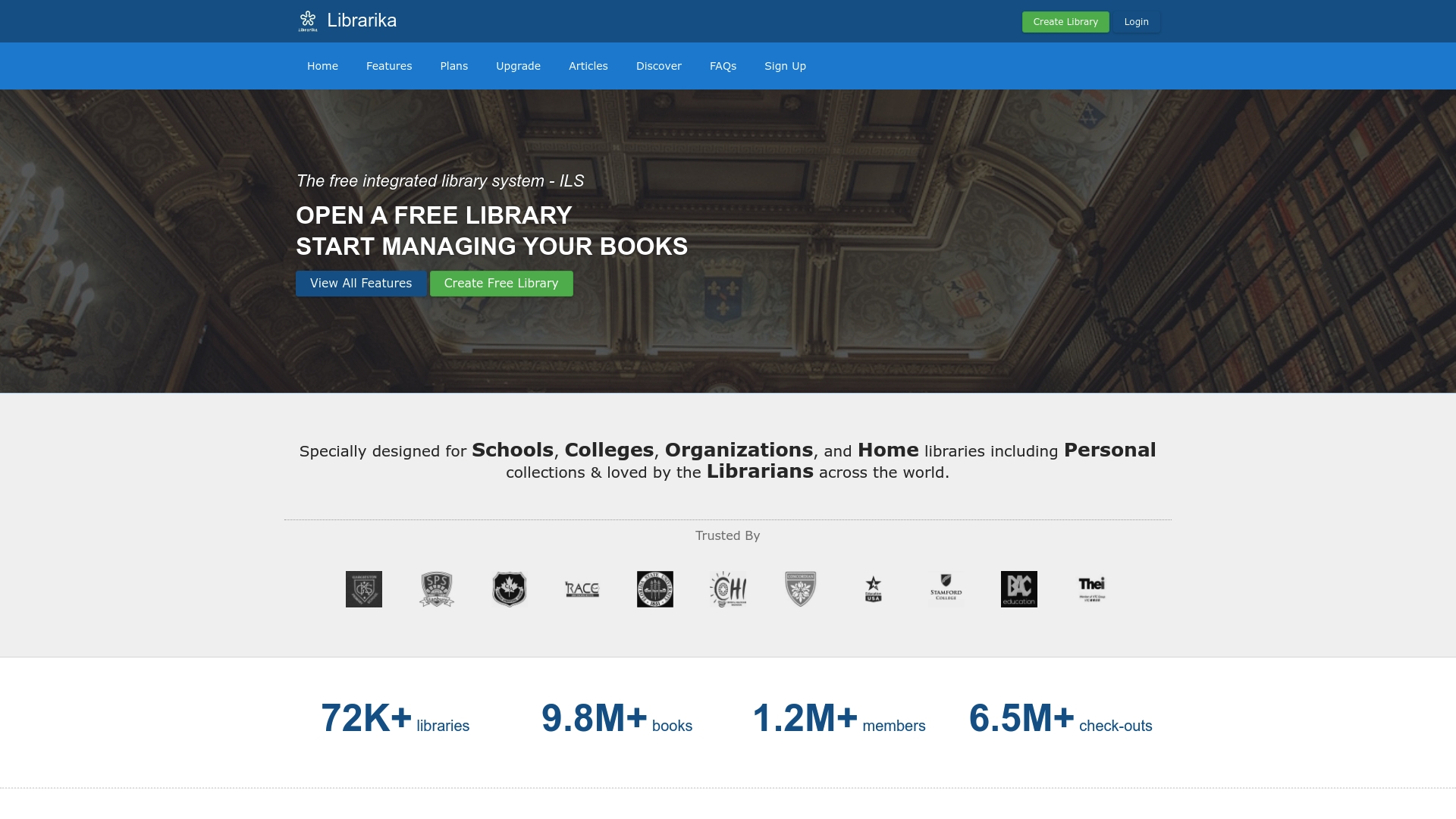
Librarika is a free integrated library system that lets schools and small organizations run a searchable catalog without hardware or software costs. It presents a practical entry point for educators and authors building or managing modest collections.
Librarika balances simplicity with useful modern touches like SSO integration and MARC import while keeping setup fast and accessible for nontechnical users.
Core Features
Librarika provides online cataloging, member management, lending workflows, and reporting through a browser based interface that requires no local installation. The system supports unlimited members, multiple branches, and a built in OPAC for public catalog search and sharing.
Key features include:
- Free use for up to 2000 titles or records, which lowers initial cost.
- Instant online library setup so you can get cataloging done quickly.
- Member reservation, self service, and overdue reminders to reduce manual follow up.
- Barcode scanner friendly design and support for MARC import to speed data entry.
- Newer additions like Hold Queue, SSO integration, and SIP2 protocol support.
Pros
-
Cost effective solution with no hardware or software expenses, making it easy for tight budgets to adopt library management.
-
Simple setup and use that requires little technical skill, so teachers and volunteer librarians can begin cataloging in minutes.
-
Unlimited member support and multiple branch handling let small systems scale patron access without extra licensing hurdles.
-
Comprehensive reports that help track circulation, overdue items, and collection activity for administrative oversight.
-
Modern protocol and import support such as SIP2 and MARC import that improve compatibility with existing workflows and records.
Cons
-
Free tier limits you to 2000 records, so larger school and institutional collections will need to pay for additional capacity.
-
The platform may lack some advanced enterprise features such as deep analytics, complex permissions, or heavy customization options.
-
Reliance on internet access means interruptions to connectivity can affect circulation and catalog access.
Who It's For
Librarika suits primary and secondary school libraries, small college collections, organizational libraries, and home or personal collections that want an affordable way to manage lending and a public catalog. It fits users who value quick deployment and minimal technical overhead.
Unique Value Proposition
Librarika makes library management affordable and approachable by combining a generous free tier with contemporary features like SSO and MARC support. That combination gives educators and small institutions a practical path from paper ledgers to an online OPAC without upfront costs.
Real World Use Case
A primary school uses Librarika to catalog classroom books, track loans and returns, send automatic overdue reminders to parents, and publish a searchable catalog for students and teachers. The school saves administrative time and keeps circulation records organized.
Pricing
Free for up to 2000 titles or records. Additional pricing details are available on the product website for libraries that exceed the free quota or need advanced options.
Website: https://librarika.com/
Koha Library Software
At a Glance
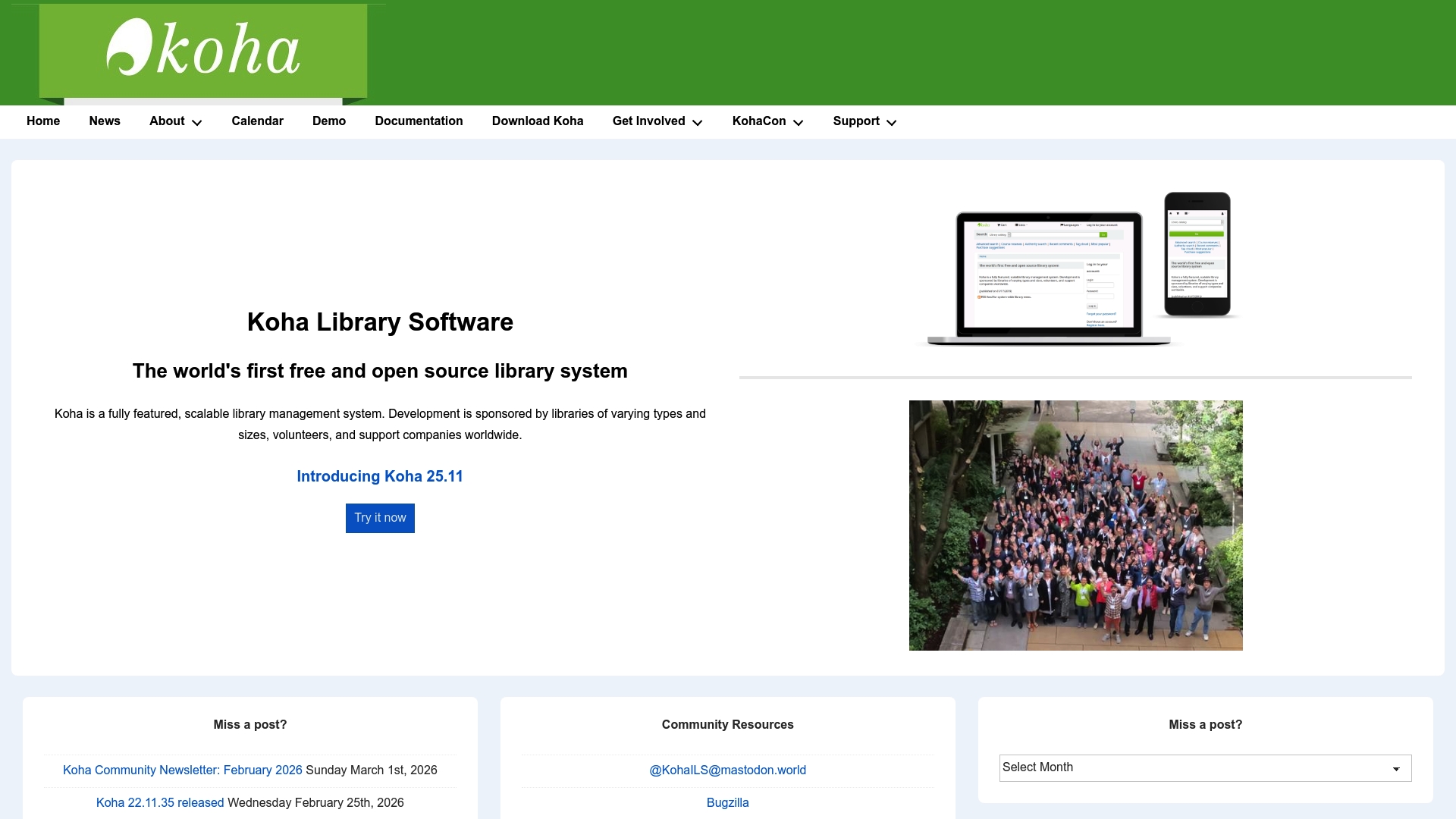
Koha is a fully featured, open source and scalable library management system that fits libraries of many sizes. It is community driven and free to use, so it appeals to organizations that want control over customization and costs.
Core Features
Koha provides robust modules for cataloging, circulation, acquisitions, and serials, plus additional tools to support typical library workflows. The project is supported by a global community and receives regular releases that add features and security updates.
Pros
- Open source and free reduces licensing costs by allowing libraries to deploy and adapt the software without per seat fees.
- Highly customizable and scalable enables institutions to tailor workflows and scale from small branches to large university networks.
- Supported by a large community ensures ongoing development, community contributed plugins, and shared knowledge for common issues.
- Regular updates and new features keep the system current with cataloging standards and security patches.
- Flexible across library types makes it suitable for public, academic, and special libraries with different collection needs.
Cons
- Requires technical expertise for installation and maintenance because libraries often need server setup and configuration knowledge to deploy Koha effectively.
- Less user friendly for non technical staff without proper training since the default interface and administration tools assume some technical familiarity.
- Dependent on community support for troubleshooting which means response times and depth of help vary unless a paid support vendor is engaged.
Who It's For
Koha targets libraries of all sizes that want a cost effective and customizable system backed by community development. If your library values control over the software, plans to modify workflows, or prefers to avoid recurring license fees, Koha fits well.
Unique Value Proposition
Koha's main strength is being the first widely adopted open source integrated library system offering a complete feature set without licensing constraints. That combination of completeness and community backing gives libraries freedom to adapt the system to precise operational needs.
Real World Use Case
A university library implements Koha to manage its catalog, circulation, and acquisitions while customizing item types and loan rules to match departmental requirements. The library benefits from community contributed modules and scales the instance as the collection and user base grow.
Pricing
Koha is free open source software. Libraries may pay for hosting, support, or customization services from third party vendors if they prefer managed help rather than relying on community resources.
Website: https://koha-community.org
CLZ Collection Software
At a Glance
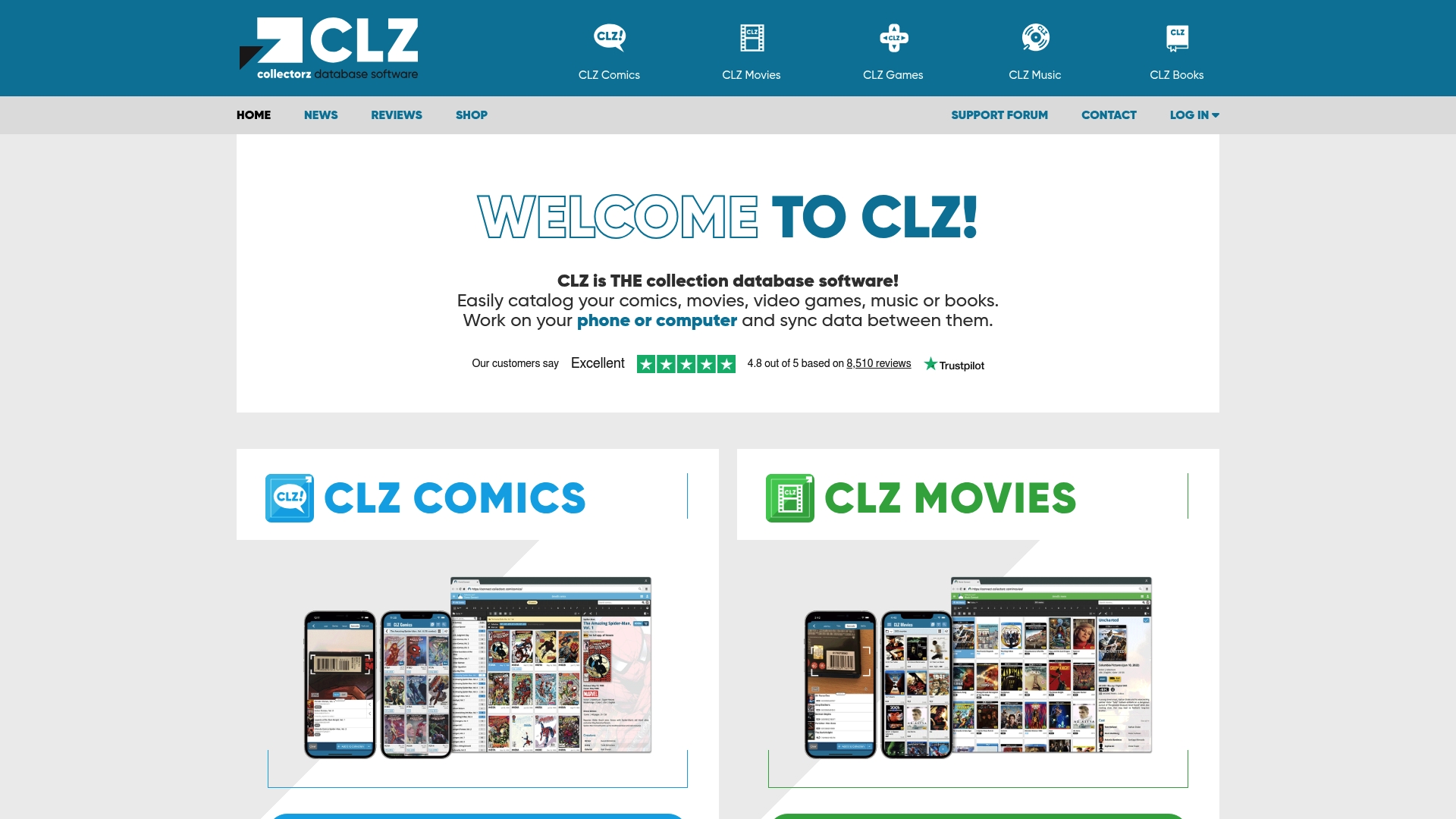
CLZ Collection Software is a focused cataloging tool for comics, movies, video games, music, and books that works across web, desktop, and mobile. Bottom line: it gives media collectors a coherent way to track, sync, and manage items from phone to computer.
Core Features
CLZ provides catalogs for different collections, with separate apps for Comics, Movies, Games, Music, and Books to keep item types organized. The platform offers sync data between phone and computer, web and desktop versions, active support forums, and an online shop for accessories.
Pros
- Versatile collection management: The software supports multiple media types so you can manage comics, movies, games, music, and books within a single ecosystem.
- Cross-platform support: Web, desktop, iOS, and Android access lets you update entries on your phone and view them later on a computer.
- Active user community: Support forums and customer assistance help troubleshoot issues and provide tips from other collectors.
- Regular updates: The product receives ongoing updates and new features driven by user feedback, which improves long-term value.
- Easy to use interface: The apps emphasize straightforward entry and browsing, reducing friction when cataloging dozens or hundreds of items.
Cons
- Subscription or purchase required for full features: Unlocking all capabilities requires payment, which raises the barrier for casual users.
- Learning curve for some features: New users may need time to learn category-specific tools and syncing options before they use the product efficiently.
- Limited free trial options: The free tier or trial availability is restricted, so testing the full workflow before buying may be difficult.
Who It's For
This software fits media collectors and enthusiasts who want to manage and track collections across multiple devices. If you photograph or scan items at conventions, buy frequently, or plan resale lists, CLZ helps you keep records tidy and accessible on the go.
Unique Value Proposition
CLZ stands out by offering dedicated mobile apps for each collection type, combined with unified syncing and web access. That separation means features and fields match the needs of comics versus books, giving more precise cataloging than general-purpose spreadsheets.
Real World Use Case
A collector scans comic barcodes with the CLZ Comics app on their phone to capture issue details quickly. They sync to the desktop app for batch edits and to create backup copies on the web. The user then shares parts of the collection with friends or forum members when planning trades.
Pricing
Pricing details are not provided directly, but the software offers different plans and likely uses a subscription-based model. Expect app-specific purchase options or plans that unlock syncing and advanced features across devices.
Website: https://collectorz.com
Mandarin Library Automation
At a Glance
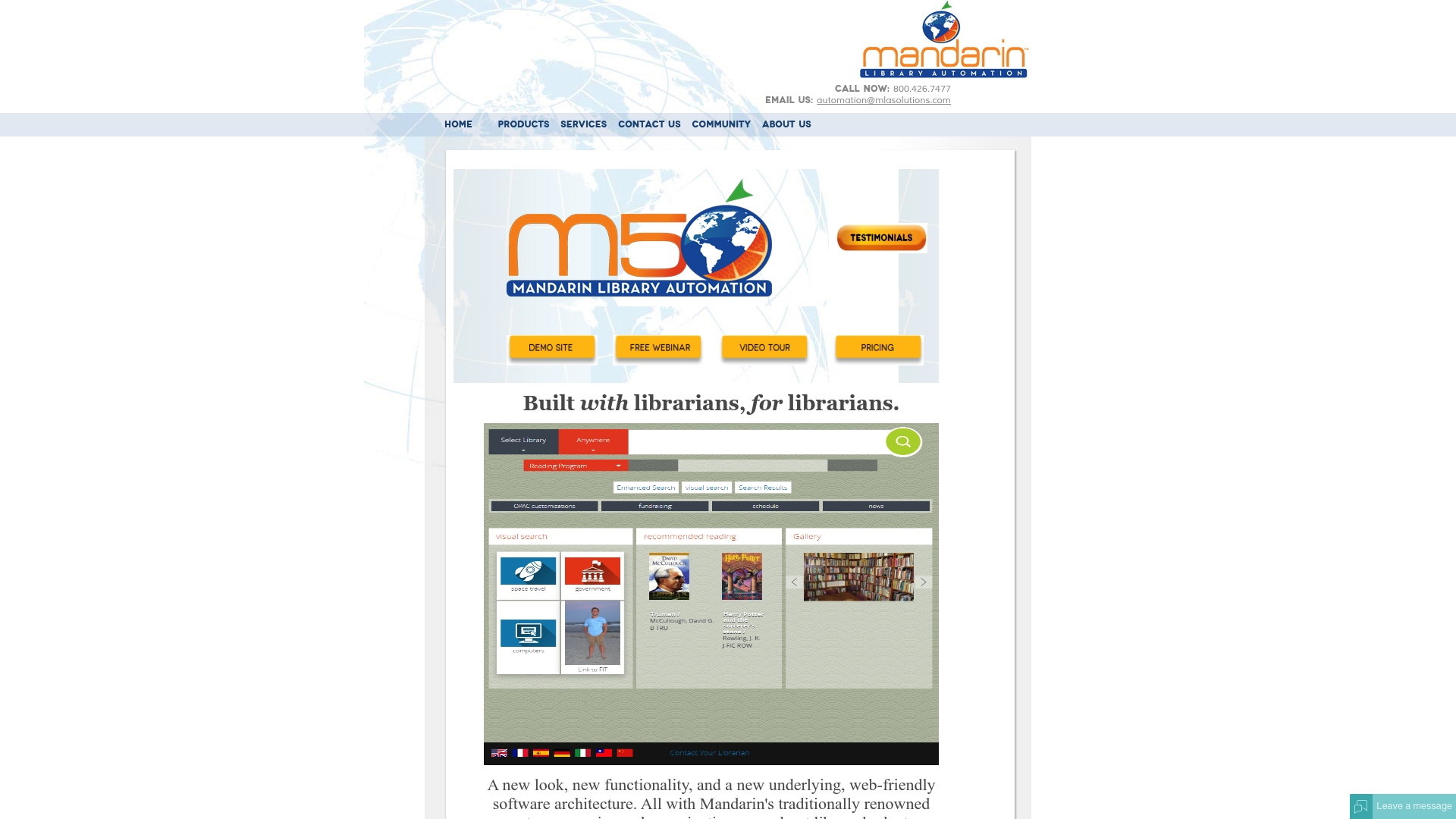
Mandarin Library Automation delivers a user friendly web architecture for managing library workflows with a clear focus on cataloging, circulation, inventory, and reporting. It targets libraries that want modular features without a steep upfront investment.
Mandarin feels practical rather than flashy. The platform emphasizes librarian needs and budget consciousness while providing optional modules for added capabilities.
Core Features
Mandarin offers full cataloging support with add, copy, edit, and delete record actions plus MARC import export and authority control for accurate metadata management. These tools help keep large catalogs consistent and searchable.
The platform includes robust circulation functions such as calendar management, fines handling, self check in out, and circulation reports. Inventory management and custom reporting round out operational oversight while optional modules extend functionality.
Optional modules include Web OPAC, SIP2, Textbook Module, Mobile Module, Syndetic Solutions, Mitinet BestMARC, and Library Usage. Libraries pick modules that match current needs and add them as operations grow.
Pros
- User friendly web architecture makes the system approachable for staff with basic browser experience and reduces desktop software overhead.
- Customizable and flexible modules let libraries pay for only the features they need which helps control budgets.
- Built in support for MARC records and authority control maintains metadata quality and simplifies cataloging workflows.
- Comprehensive library management features combine cataloging, circulation, and reporting in a single system which reduces tool fragmentation.
- Specialized modules for different library needs support use cases from textbook management to OPAC search and mobile access.
Cons
- The website provides limited specific information about pricing and support options which makes budget planning and procurement slower.
- The suite may present potential complexity for very small libraries that do not require extensive features and prefer minimal setups.
- The website does not specify detailed technical requirements or platform compatibilities which complicates IT planning and rollouts.
Who It's For
Mandarin suits libraries and educational institutions seeking a comprehensive, web based library management system with customizable features. It appeals to librarians who prefer solutions designed by library professionals and want modular growth options.
Unique Value Proposition
Mandarin positions itself as a librarian centric platform that combines core library operations with optional modules so institutions can tailor capabilities to budget and service goals. That focus on librarian workflow and modular purchasing sets it apart.
Real World Use Case
A public library uses Mandarin to centralize cataloging, manage circulation events, and run inventory audits. The library adds Web OPAC for patron discovery and the Textbook Module to support local school partnerships.
Pricing
Pricing is not specified on the website which means procurement teams must request a quote for accurate cost estimates and module pricing. Expect to contact sales for a tailored proposal based on chosen modules and support levels.
Website: https://mlasolutions.com
Libib
At a Glance
Libib is a cloud-based library manager that helps authors and small institutions catalog books, media, and games with minimal friction. It combines a generous free tier, mobile apps, and barcode scanning so you can manage collections while visiting classrooms or book fairs.
Core Features
Libib enables you to create and share media collections and synchronize them across devices. It includes barcode scanning for rapid data entry, automatic metadata retrieval, import export tools, and support for books, movies, music, video games, and board games.
Pros
- Free basic plan available: The free tier supports personal collections so you can start cataloging without any upfront cost.
- Multiple media types supported: You can track books, movies, music, games, and more within a single account for unified cataloging.
- Cloud synchronization across devices: Your collection updates appear on desktop and mobile so you and collaborators stay aligned.
- Mobile apps for scanning and management: The mobile app speeds up cataloging with barcode scanning when you handle physical inventory.
- Scalable plans for different needs: Paid tiers add features and capacity so schools and organizations can upgrade as collections grow.
Cons
- Paid tiers can be expensive for heavy users: Pro and higher plans require ongoing fees that add up for large inventories.
- Advanced features sit behind higher tiers: Some functionality useful to institutions is only available at the Pro or Ultimate level.
- Limited free storage for very large collections: If you catalog thousands of items you will likely need a paid plan.
Who It's For
Libib fits individuals building personal libraries and small educational institutions that need an affordable cataloging tool. It also works for community spaces and small businesses that want basic checkout tracking and inventory control without enterprise complexity.
Unique Value Proposition
Libib stands out for combining simple barcode-driven cataloging with cross device syncing and a genuinely free entry point. That mix helps authors track research books and prototype library workflows before committing to a paid plan.
Real World Use Case
A school library uses Libib Pro to catalog books, movies, and student checkouts. Librarians scan donations and new titles with the mobile app then manage lending records and shared collections across classroom tablets for easier circulation.
Pricing
Basic is free for personal use. Pro costs $9 per month or $99 per year for expanded storage and management features. Ultimate is priced at $900 per year per account and adds manager licenses for larger organizations.
Website: https://libib.com
ResourceMate
At a Glance
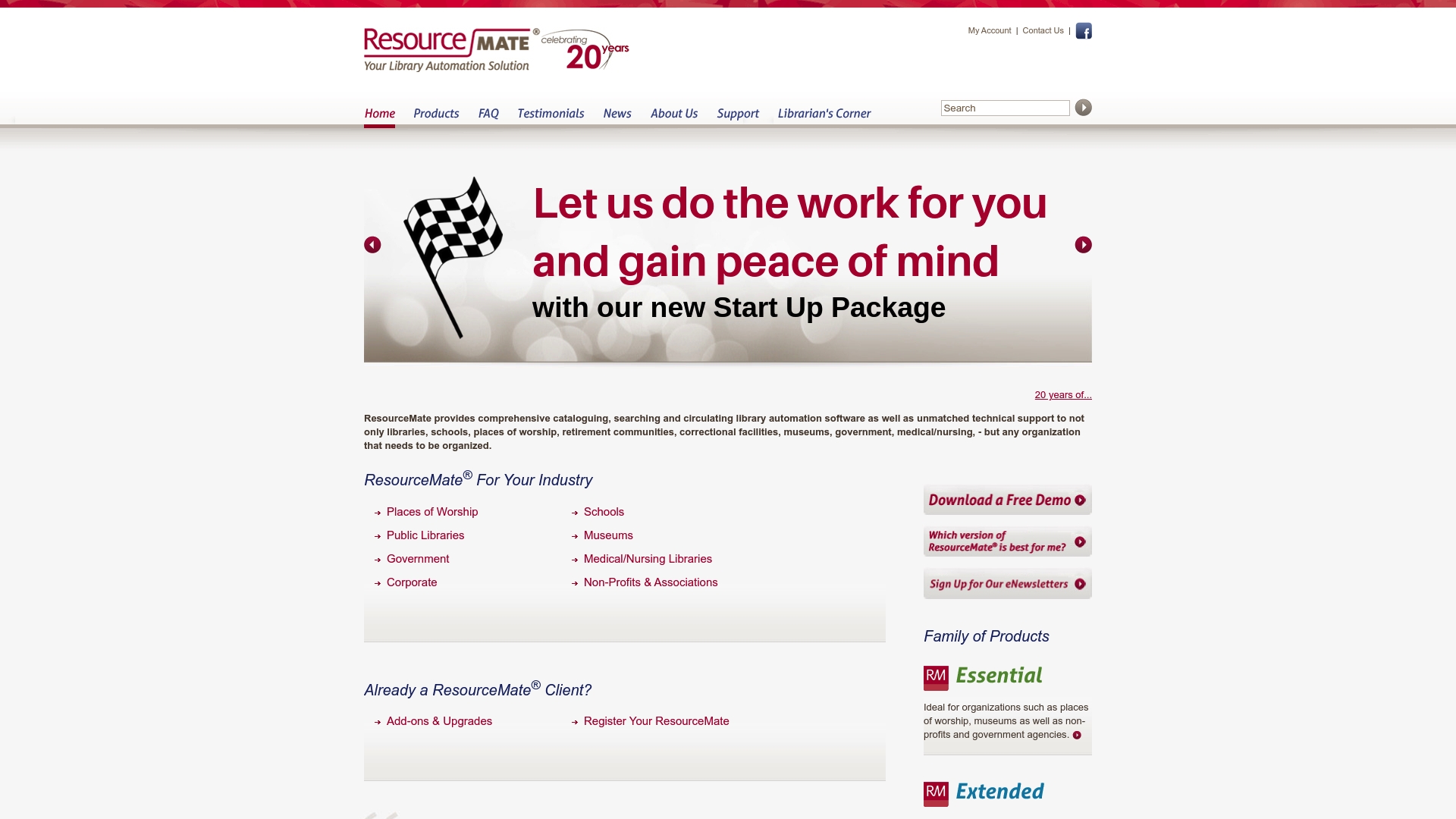
ResourceMate delivers a full suite of library management tools aimed at organizations that need robust cataloging and circulation capabilities. It shines on support and industry-specific bundles, though smaller groups may find the platform complex and pricing is not listed online.
Core Features
ResourceMate focuses on library cataloging and circulation management with a Web OPAC that lets patrons search collections remotely. The product offers industry-specific bundles for schools, museums, and government agencies plus training, updates, and troubleshooting services.
The system also provides online and off-site backup options, add-ons and upgrades, and multiple licensing choices to match institutional needs. The company has supported libraries and similar organizations for over 20 years.
Pros
-
Comprehensive library management solutions: The platform covers cataloging, searching, circulation, and inventory tasks for many organization types.
-
Industry-specific product bundles: Bundles tailored for schools, public libraries, museums, and government agencies help reduce setup friction.
-
Strong customer support and training resources: Documentation, training, and troubleshooting services come built into the offering to help staff adopt the system.
-
Web-based access for remote management: The Web OPAC and administrative access enable remote catalog searches and basic management from any modern browser.
-
Flexible add-ons and licensing options: Organizations can expand features or select licensing models that suit their scale and budget.
Cons
-
Potential complexity for small organizations or those new to library automation may require more time to configure and train staff.
-
Limited details on price and subscription models are available on the website so you must contact sales for a quote.
-
Specific user interface and ease of use details are not provided which makes it harder to assess day to day workflows before a trial.
Who It's For
ResourceMate fits institutions that require organized collection management across departments and locations. Libraries, schools, places of worship, retirement communities, museums, and government agencies that need long term support and tailored bundles will get the most value.
If you run a single small reading group with a handful of titles, this may be more system than you need.
Unique Value Proposition
ResourceMate combines decades of sector experience with industry-specific bundles and hands-on support to reduce administrative overhead for institutions. The combination of backup options, add-ons, and training positions the product as a turnkey choice for organizations that want an all-in-one catalog and circulation solution backed by vendor assistance.
Real World Use Case
A public library adopts ResourceMate to catalog thousands of titles, manage checkouts and holds, and publish a searchable Web OPAC for patrons. Staff use the vendor training to shorten onboarding and rely on off-site backups to protect collection records.
This setup keeps daily desk tasks predictable and gives library managers centralized reporting and control.
Pricing
Pricing is not specified on the website and appears to be available upon request. Contact ResourceMate for a customized quote based on organization type, number of users, and chosen add-ons.
Website: https://resourcemate.com
Booksys
At a Glance
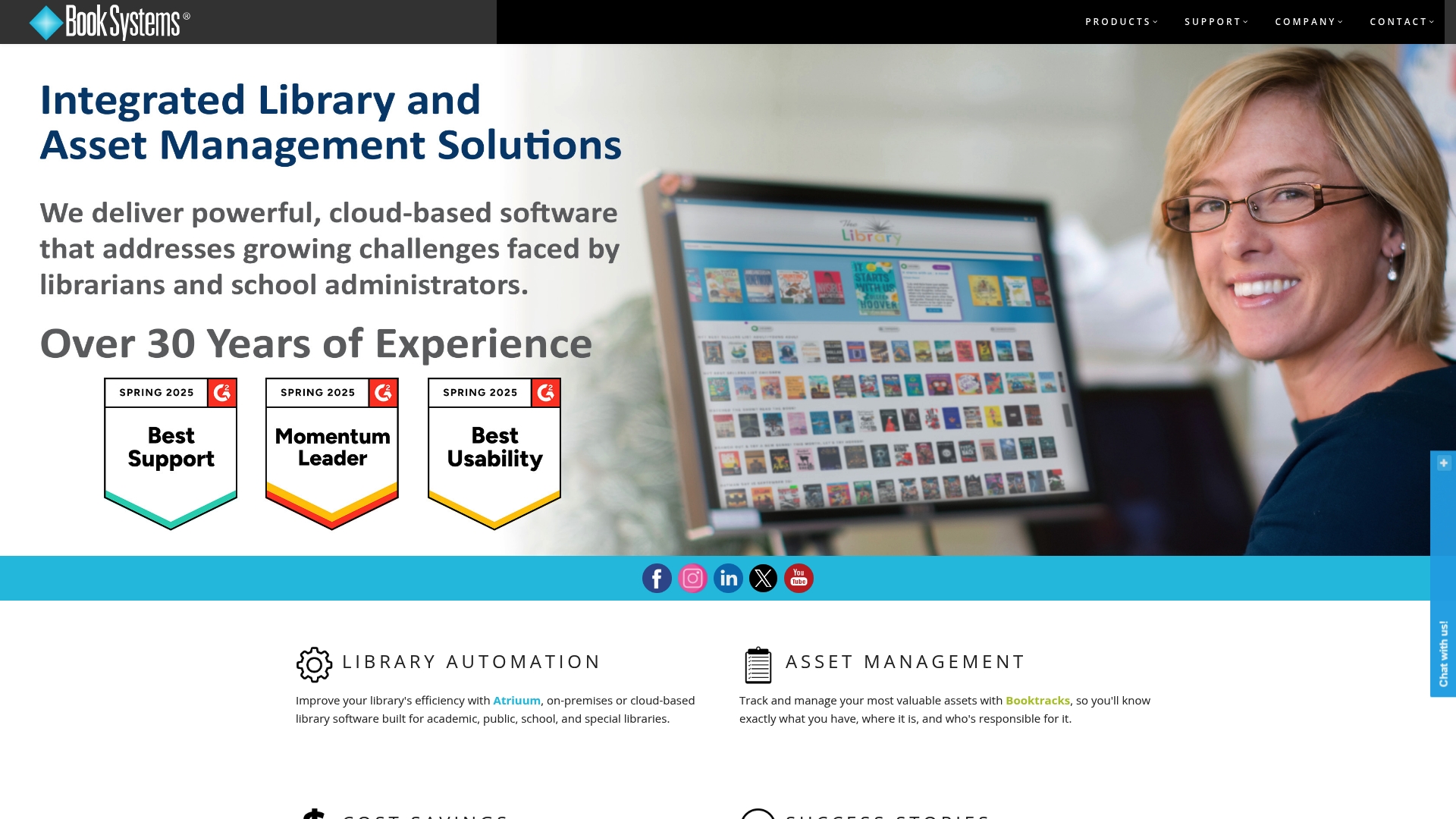
Booksys packages proven library automation tools into a single offering aimed at schools, public libraries, and academic institutions. It balances Atriuum for core ILS tasks with Booktracks for asset and textbook management, making it practical for teams managing both collections and equipment.
Core Features
Booksys centers on a traditional integrated library system plus asset tracking and hosting services designed for library workflows.
- Atriuum Library Automation System for cataloging, circulation, and patron records.
- Atriuum Stax workspaces to organize staff tasks and workflows.
- Booktracks Asset & Textbook Tracking System for inventory and textbook loans.
- Mobile Apps for Android and iOS to boost patron engagement through a responsive OPAC.
- Hosting Services SaaS options that let libraries choose cloud or on premises setups.
Takeaway: The feature set covers both materials management and modern patron access.
Pros
- Flexible deployment options give libraries on premises or cloud based choices for Atriuum, which helps fit existing IT policies.
- Mobile responsive patron interface provides patrons with a usable OPAC on phones and tablets, improving self service and discovery.
- Cost effective pricing strategy aims to deliver more functionality for less, which appeals to budget conscious institutions.
- Strong customer testimonials suggest real world reliability and measurable value in library operations.
- Comprehensive support and training promises help with onboarding, reducing the burden on internal staff.
Takeaway: Booksys emphasizes affordability and practical support for institutions with limited IT resources.
Cons
- The vendor page does not list specific product limitations, so potential weaknesses are not explicitly described and require follow up with sales or demos.
- The site offers limited detailed comparisons against competitors, making feature trade offs harder to evaluate without additional research.
- Further research is needed to confirm integration depth, customization limits, and long term upgrade plans for larger or specialized collections.
Takeaway: Ask targeted questions during demos to uncover constraints that the website does not enumerate.
Who It's For
Booksys fits libraries and educational institutions seeking integrated library management and asset tracking in one vendor. It suits small to mid sized school districts, public libraries, and colleges that need cost conscious options plus vendor support.
Unique Value Proposition
Booksys combines a traditional ILS with dedicated asset tracking and hosting choices, so a single vendor handles both collections and textbook logistics. The combined support and training package reduces vendor handoffs when issues arise.
Real World Use Case
Perry Public Library uses Atriuum to streamline circulation and improve patron engagement through mobile access, while Huntsville City Schools relies on Booktracks to manage textbooks and digital learning devices across campuses.
Pricing
Pricing is available by contact and emphasizes potential savings. Request a quote to compare on premises versus SaaS costs and to quantify training and hosting fees.
Website: https://booksys.com
Library and Book Management Tools Comparison
This table provides an overview of various library and book management tools featured in the article. Compare their features, usability, and pricing to determine which best suits your needs.
| Tool Name | Core Features | Pros | Cons | Pricing |
|---|---|---|---|---|
| Librida | AI-assisted book creation, content protection, cross-device accessibility | Enhances creativity, protects rights, ease of publishing | Pricing information unavailable | Subscription-based |
| Librarika | Online cataloging, member management, lending workflow management | Free usage up to 2000 items, intuitive, suitable for small institutions | Limited to 2000 records for the free tier | Free tier, pricing available |
| Koha Library Software | Open-source library management, community-supported modules | Highly customizable, scalable, no licensing fees | Requires technical expertise for setup | Free |
| CLZ Collection Software | Dedicated apps for managing different media types | Mobile syncing, responsive interface, community support | Subscription fee may be high for casual users | Subscription model |
| Mandarin Library Automation | Modular library management system with add-on modules | Flexible and user-friendly architecture, MARC record support | Pricing information unavailable | By inquiry |
| Libib | Multi-type media cataloging, barcode scanning, cloud syncing | Free introductory tier, apps for on-the-go management | Limited features in free tier | Free tier, scalable plans |
| ResourceMate | Multipurpose library management, circulation handling, remote access | Comprehensive cataloging and circulation tools, strong customer support | Potential complexity for smaller institutions | By inquiry |
| Booksys | Integrated library system alongside asset management | Cloud options available, easy patron interface, textbook tracking | Detailed pricing unavailable | By inquiry |
Unlock Your Author Potential with Powerful AI Assistance
If you are exploring alternatives to bookread.librarika.com, you likely want a seamless way to transform your story ideas into polished books while maintaining full creative control. Common challenges include managing the complex publishing process, protecting your content, and finding tools that simplify writing without compromising your unique voice. Librida offers a comprehensive solution with AI-assisted book creation, content protection, and cross-device access all in one secure platform.
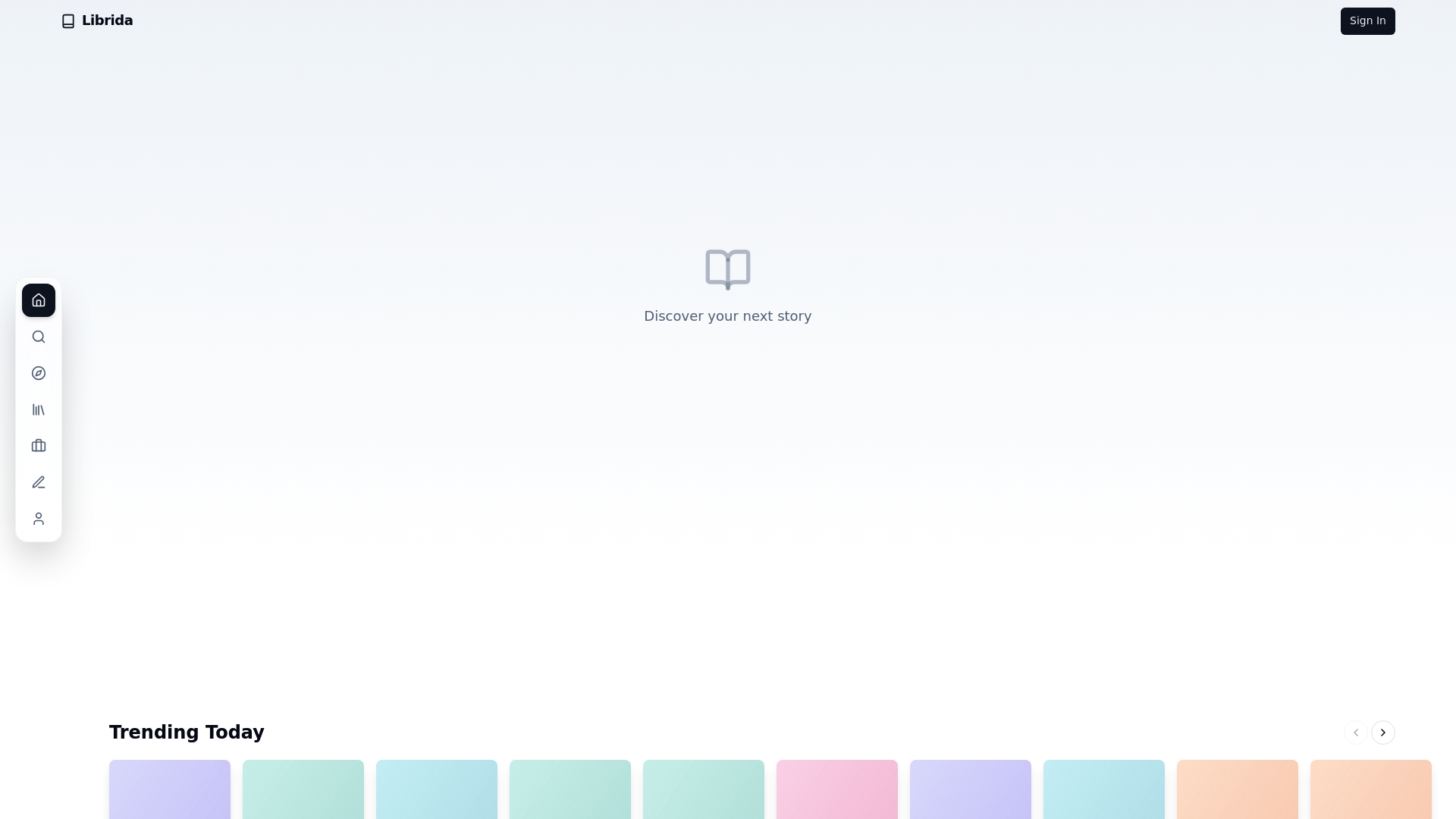
Start turning your concepts into compelling manuscripts today with Librida. Experience hands-on support throughout every stage of your writing journey and publish with confidence. Visit https://librida.com now to embrace innovation and make your publishing ambitions a reality!
Frequently Asked Questions
What are the top features to look for in alternatives to bookread.librarika.com?
Consider features like ease of use, cataloging capabilities, and cross-device accessibility. Focus on a platform that supports barcode scanning and integrates with other library management tools for a seamless experience.
How do I evaluate the cost-effectiveness of bookread.librarika.com alternatives?
Evaluate the pricing structure based on your collection size and usage needs. Calculate potential savings by comparing subscription fees or one-time payments against the features offered, such as customizability or support services.
What types of user management capabilities should I expect from library management alternatives?
Look for solutions that support unlimited member access and offer member management features like reservations and overdue notices. This can help streamline patron interactions and improve overall library workflow.
How do I transition from bookread.librarika.com to a new library management platform?
Begin by exporting your existing catalog data and member information from bookread.librarika.com. Follow the transition by importing that data into your new platform within 30 days to ensure a smooth and efficient changeover.
What specific needs should I assess before selecting a library management alternative?
Identify your primary requirements, such as catalog size, budget constraints, and specific feature needs like mobile access and reporting tools. Prioritize these needs to narrow down your options effectively, ensuring the selected platform aligns with your goals.